Apple AirPlay 2 on KENWOOD Home Audio |
|
 |
|
|
|
|
Your music. Your KENWOOD.
|
 |
|
|
|
|
|
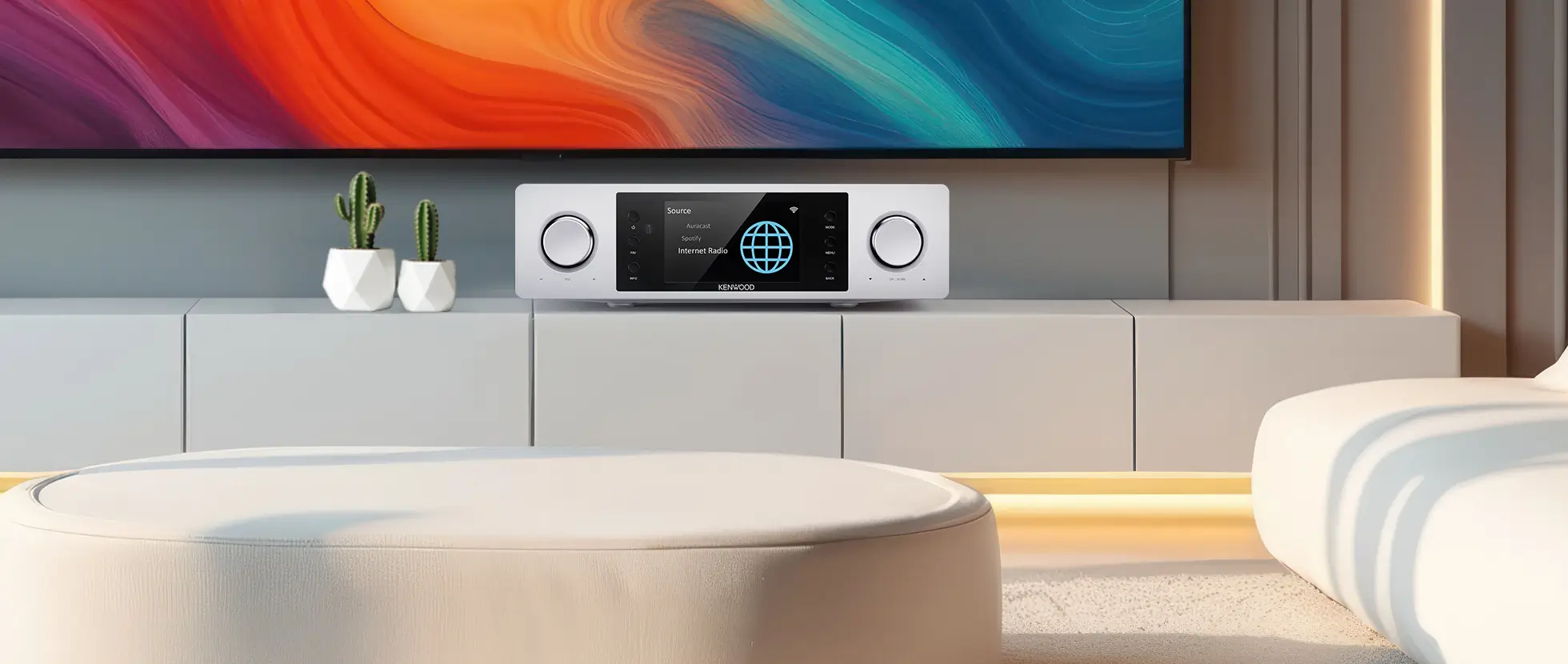
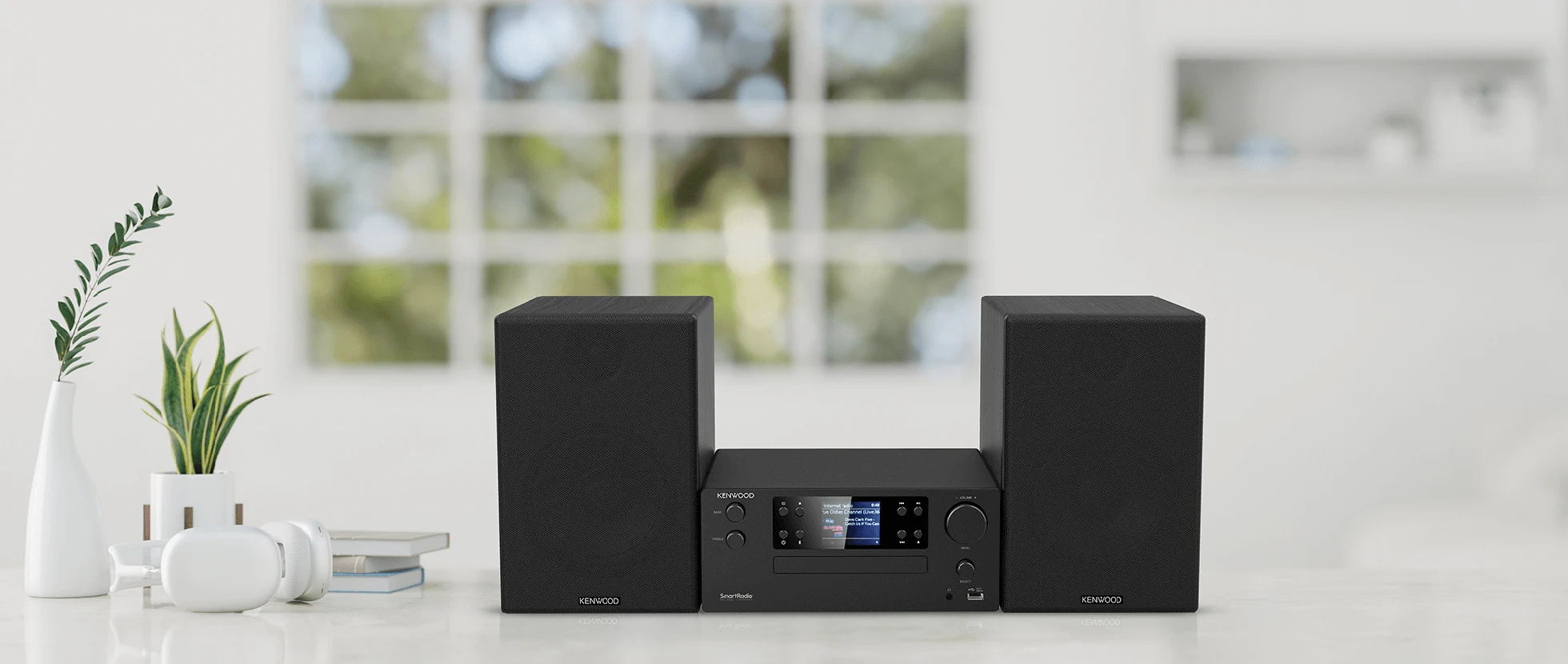
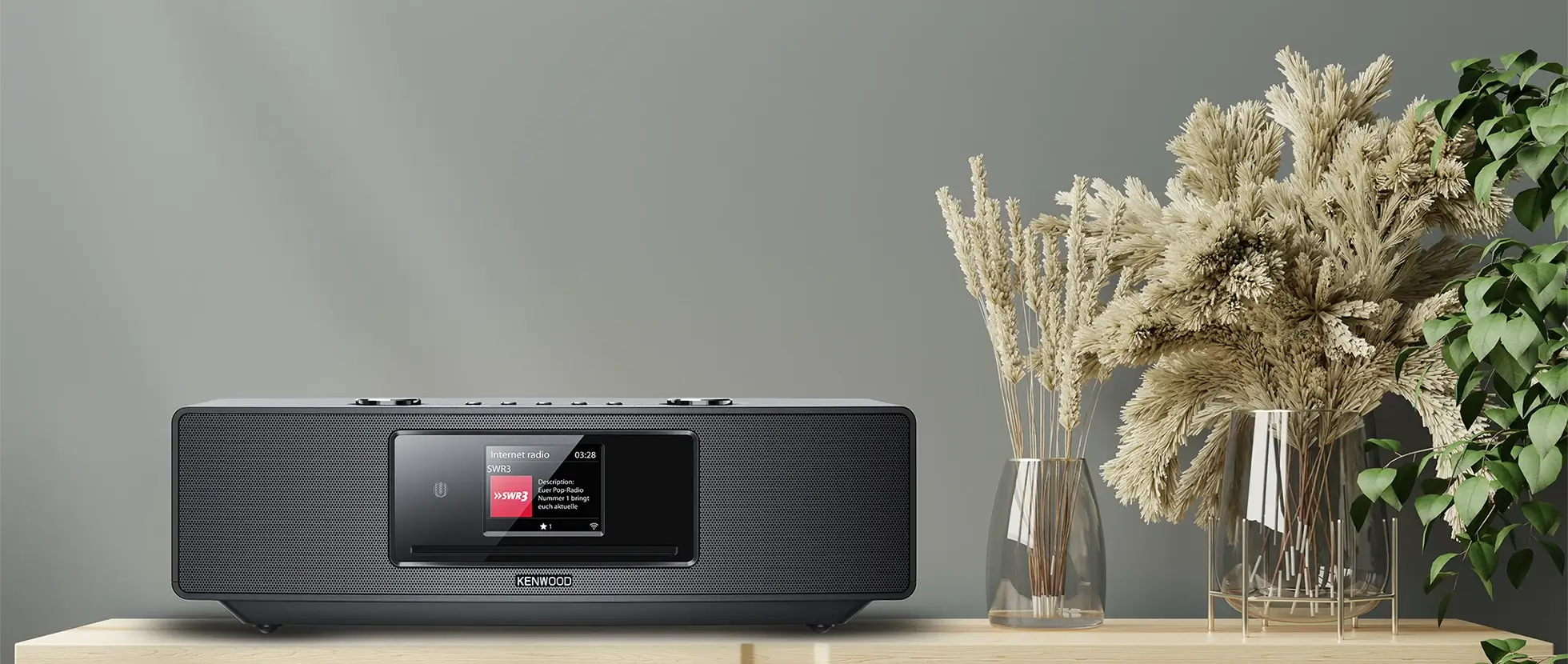
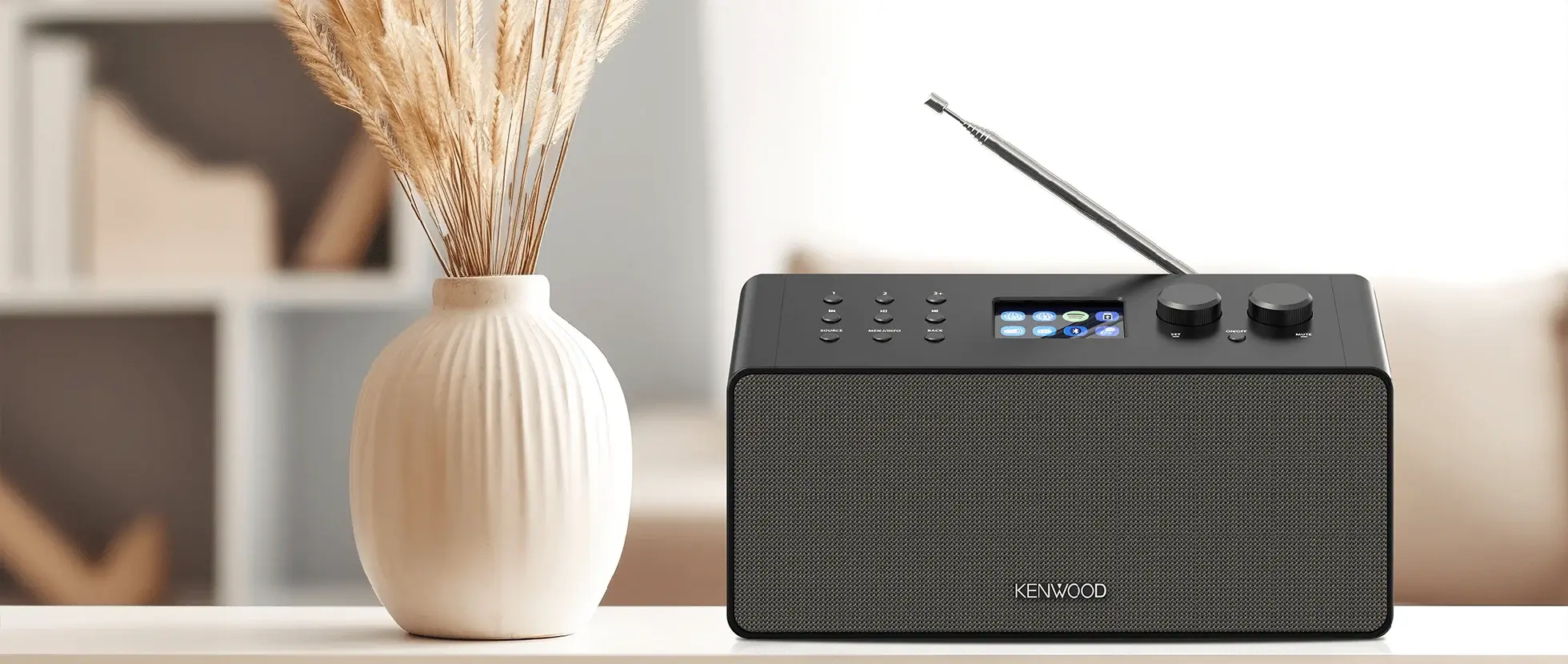
Stream directly from your Apple deviceListening to something you love? Just tap the AirPlay symbol on your iPhone or iPad and select your compatible KENWOOD system. AirPlay works across the Apple ecosystem, making it easy to send audio from your iPhone, iPad or Mac to your KENWOOD Home Audio system. Whether you're listening to Apple Music, Spotify, a podcast or audio from another compatible app, AirPlay 2 gives you an easy way to enjoy it through your KENWOOD system. One tap. Better sound.iPhone / iPad / Mac → AirPlay 2 → KENWOOD Home Audio Your Apple device remains your familiar control centre while your KENWOOD system takes care of the sound. |
|
|
|
You're in controlWith AirPlay 2, your iPhone or iPad gives you convenient control over your music and compatible speakers. Choose the room where you want to listen, add another AirPlay 2 speaker or adjust playback without having to operate every audio system separately. And with compatible devices configured in Apple's Home app, Siri can also be used to control your music. Ask Siri to play music in a particular room, add another room or adjust the volume. “Hey Siri, play my music in the living room.”Your KENWOOD system becomes part of your connected Apple home audio environment. |
 |
|
|
|
Why AirPlay 2 + KENWOOD?
|
|